

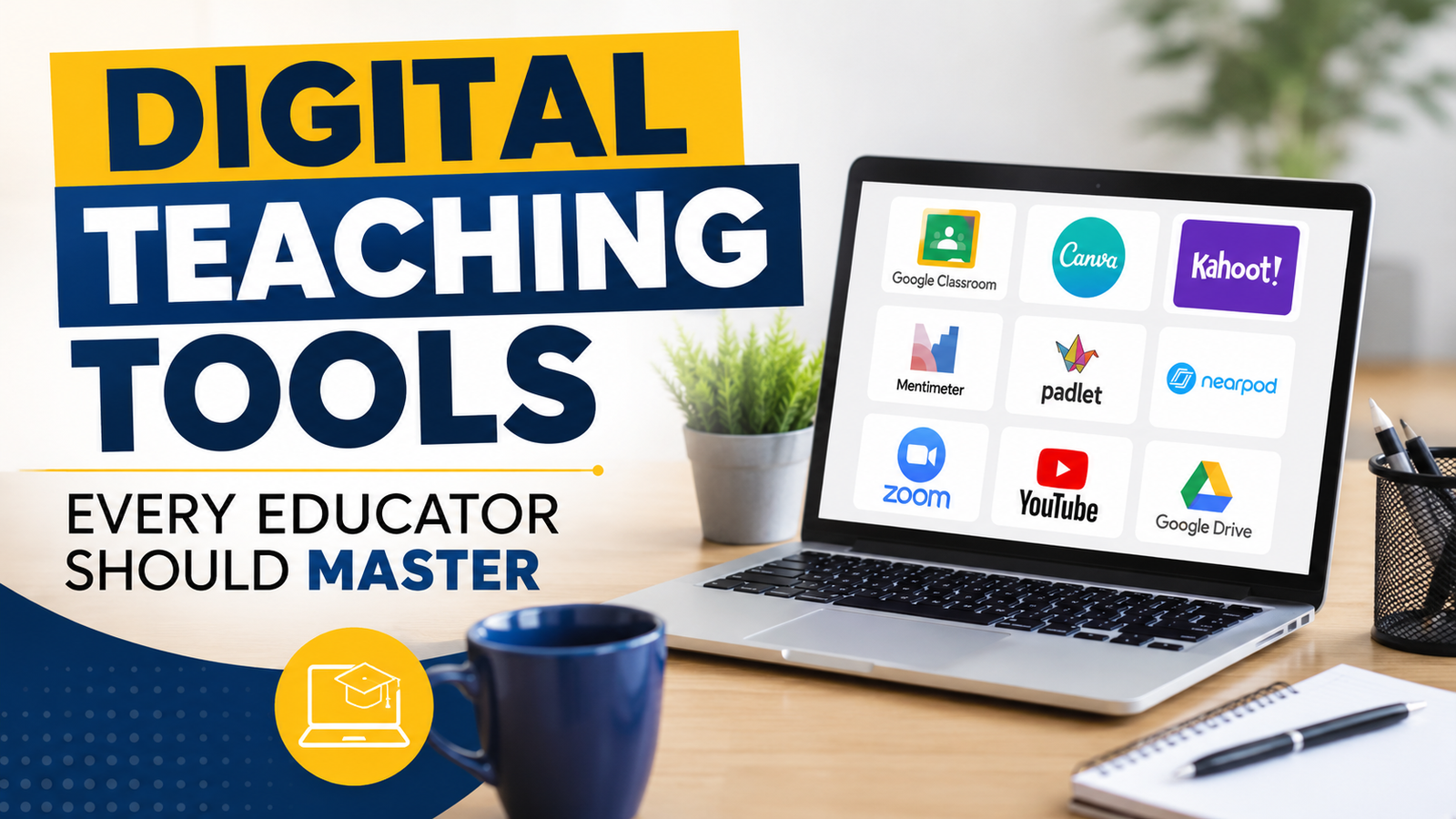
Technology is reshaping education by helping teachers create more engaging, interactive, and personalized learning experiences. From digital classrooms and assessment tools to AI-powered resources, educators can use technology to improve teaching effectiveness and student outcomes. Mastering the right digital tools enables teachers to build flexible, collaborative, and future-ready learning environments.
Education has always evolved with society, and technology has become one of the most powerful forces shaping modern classrooms. Traditional teaching methods that once depended mainly on textbooks, chalkboards, and face-to-face lectures are now being enhanced by digital platforms, interactive resources, and online learning environments.
Today’s educators have access to a wide range of digital teaching tools that can make lessons more engaging, improve communication, and support personalized learning. From virtual classrooms to artificial intelligence-powered resources, technology allows teachers to create learning experiences that are more flexible, accessible, and effective.
However, technology itself does not improve education automatically. The real impact comes when educators understand how to use digital tools strategically to support learning goals. Developing digital literacy has become an essential skill for teachers because students are growing up in an increasingly digital world.
The right digital tools can help educators encourage collaboration, increase student participation, provide instant feedback, and adapt lessons according to individual learning needs. By mastering these technologies, teachers can create classrooms that are more interactive, inclusive, and future-ready.
Digital teaching tools are no longer optional additions to education; they have become important resources for improving teaching and learning outcomes. When used effectively, technology can transform the classroom experience for both teachers and students.
Digital tools introduce interactive elements such as videos, quizzes, simulations, and multimedia presentations. These resources can make complex topics easier to understand and encourage students to actively participate rather than passively receive information.
Technology allows educators to move beyond traditional lectures. Students can participate in virtual experiments, collaborate on online projects, and explore concepts through digital resources that match their interests and abilities.
Online platforms provide teachers and students with access to thousands of educational materials, including research articles, digital libraries, videos, and online courses. This expands learning opportunities beyond classroom boundaries.
Digital platforms make communication faster and more organized. Teachers can share announcements, provide feedback, answer questions, and stay connected with students through online systems.
Many digital tools provide analytics that help educators understand student progress. Teachers can identify learning gaps, monitor improvement, and adjust their teaching strategies based on real data.
Digital tools also support different learning styles. Visual learners can benefit from videos and graphics, auditory learners can use podcasts and recordings, while interactive learners can engage through simulations and activities.
A Learning Management System (LMS) is one of the most important digital tools for modern educators. It provides a centralized platform where teachers can organize courses, share resources, manage assignments, and communicate with students.
Popular LMS platforms include Google Classroom, Moodle, and Canvas LMS.
An LMS helps teachers manage digital classrooms efficiently. Instead of using multiple disconnected tools, educators can organize learning materials, assessments, and communication in one place.
Teachers can share presentations, documents, videos, and reading materials so students can access resources anytime.
Educators can create assignments, set deadlines, collect submissions, and provide digital feedback.
LMS platforms allow teachers to monitor participation, assignment completion, and academic performance.
Teachers can conduct online lessons, organize discussions, and create structured learning pathways.
Traditional presentations are often limited to static slides. Interactive presentation tools help educators create more engaging and visually appealing lessons.
Tools such as Canva, Prezi, and Microsoft PowerPoint allow teachers to include animations, videos, graphics, quizzes, and interactive elements.
For example, instead of explaining a scientific process only through text, teachers can use animations or videos to help students visualize how the process works.
Assessment is an essential part of teaching, and digital tools have changed how educators evaluate student learning.
Platforms such as Kahoot!, Quizizz, and Google Forms allow teachers to create engaging assessments and receive instant results.
Students can quickly understand their mistakes and improve their knowledge.
Gamified quizzes and interactive tests make evaluation more enjoyable.
Teachers can analyze results to identify strengths and areas requiring additional support.
Digital assessments help shift evaluation from a one-time activity to a continuous learning process.
Effective communication is essential for successful learning. Digital collaboration tools help connect teachers, students, and parents.
Platforms such as Microsoft Teams and Zoom support online communication, virtual meetings, and collaborative learning.
Digital discussion boards and online communities also encourage students to share ideas and collaborate beyond classroom hours.
Artificial intelligence is becoming an important part of modern education. AI tools can help teachers save time, create resources, and provide more personalized learning experiences.
AI can help generate lesson ideas, activities, and teaching materials.
Teachers can use AI to create worksheets, summaries, examples, and practice questions.
AI-powered systems can recommend resources based on student performance and learning needs.
AI can assist with administrative work such as organizing information and creating assessments.
AI tools can provide additional explanations, translations, and accessibility support.
Educators should use AI responsibly by:
Modern educators are not only instructors; they are also content creators. Digital tools allow teachers to design customized learning materials that match their students’ needs.
Teachers can use technology to create:
Useful categories of content creation tools include:
Used for creating posters, presentations, and visual learning materials.
Help teachers produce educational videos and tutorials.
Useful for creating demonstrations and online lessons.
Allow teachers and students to collaborate visually.
Virtual classrooms have expanded access to education by allowing learning to continue beyond physical classrooms.
Online learning tools help educators:
Hybrid learning models, which combine classroom teaching with online resources, are becoming increasingly common because they provide flexibility for both teachers and students.
Educational data helps teachers make informed decisions. Digital platforms can provide insights into student behavior, performance, and learning progress.
Educators can use analytics to:
Instead of relying only on traditional assessments, teachers can use data to understand the complete learning journey of their students.
As classrooms become more digital, protecting information and promoting online safety are essential responsibilities for educators.
Teachers should understand:
Digital citizenship education helps students become responsible users of technology.
With thousands of educational tools available, selecting the right one can be challenging. Teachers should consider the following questions:
✔ Does the tool support learning objectives?
✔ Is it easy for students to use?
✔ Does it improve engagement and understanding?
✔ Is it accessible across different devices?
✔ Does it protect user data and privacy?
The best technology is not always the most advanced one; it is the tool that solves a specific learning challenge effectively.
Technology integration works best when it is planned carefully.
Teachers should focus on mastering one platform before introducing multiple technologies.
Students may need support to understand how to use new digital tools effectively.
Digital tools should enhance teaching strategies rather than completely replace personal interaction.
Teachers should ask students for feedback and adjust their approach.
Technology changes quickly, so continuous learning helps educators stay updated.
Digital teaching tools have transformed education by making learning more interactive, accessible, and personalized. They provide educators with powerful resources to engage students, improve communication, and create meaningful learning experiences.
However, technology is not a replacement for teachers. The guidance, creativity, and human connection provided by educators remain at the heart of effective learning.
Teachers who embrace digital tools can build classrooms that prepare students for the future while meeting the diverse needs of today’s learners. Continuous learning, experimentation, and responsible technology use are the keys to mastering digital education.
The future of education belongs to educators who combine their teaching expertise with the possibilities offered by technology.
